G HUB is the hub for the G ecosystem, unlocking features and customization for your devices. Discover presets, create and share your own, and assign buttons to level up your gaming setup. Build automatic profiles for games and turn your gear into a command center. This article covers G HUB basics; explore our Tips & Tricks guides for deeper insights.
EXPLORING THE G HUB INTERFACE LAYOUT
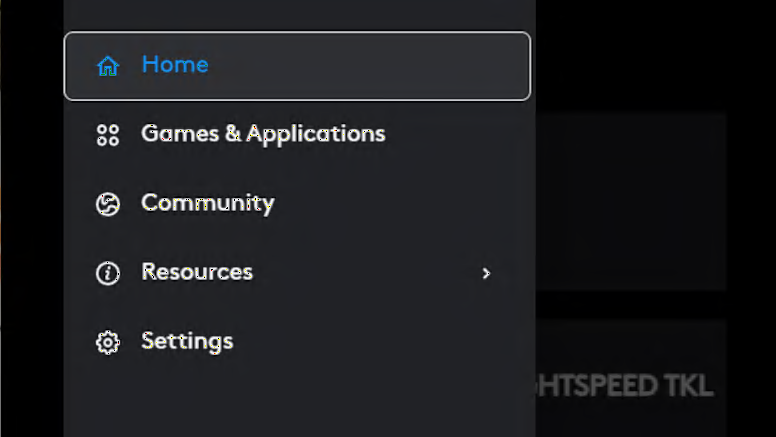
Let's take a look at the basic layout of the G HUB interface. In the upper left hand corner of the Home Page there is a navigation icon that will give you access to global G HUB settings, apps and games profiles and the community as well as some useful web links.
CUSTOMIZING FROM G HUB HOME PAGE
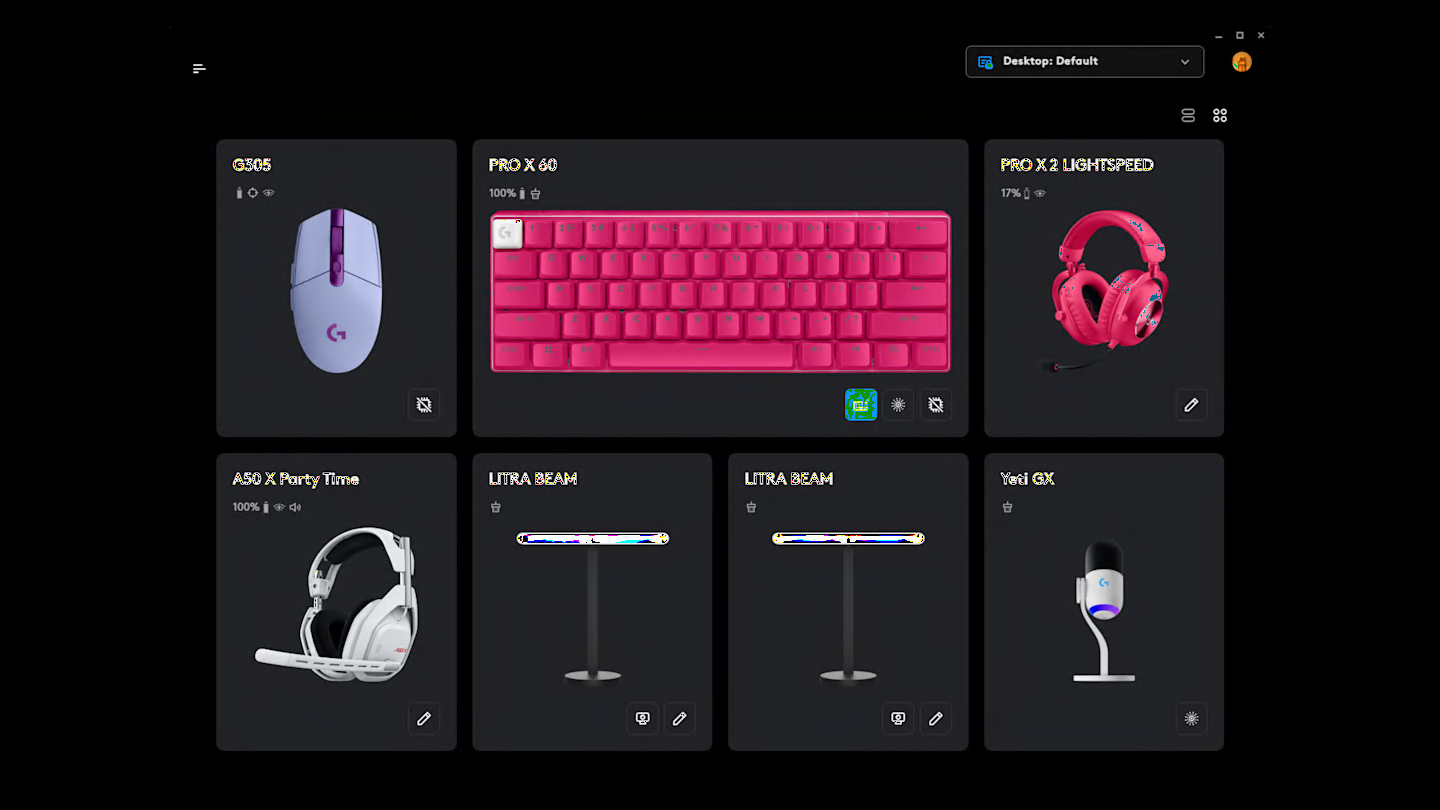
Your connected devices are in the center of the Home Page. Simply click on a device to access the features and settings for that device. To get started, click on the device you want to configure and dive into changing your DPI and remapping buttons for your favorite games, or just set your LIGHTSYNC RGB color and get back to gaming!
PROFILES AND DEVICE VIEWS
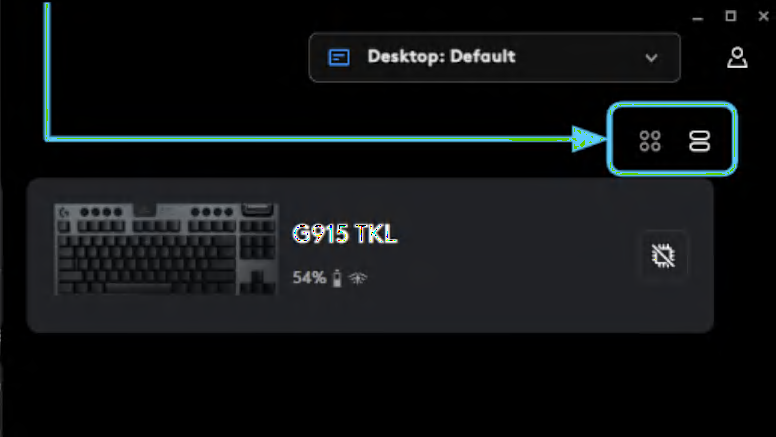
At the top of the Home Page are the user account settings and apps and games profile menu. You can also change the view of your devices from “Tile” to “List” view, which can be super helpful when you have a ton of devices in your gaming setup.
CONFIGURE FEATURES AND PRESETS
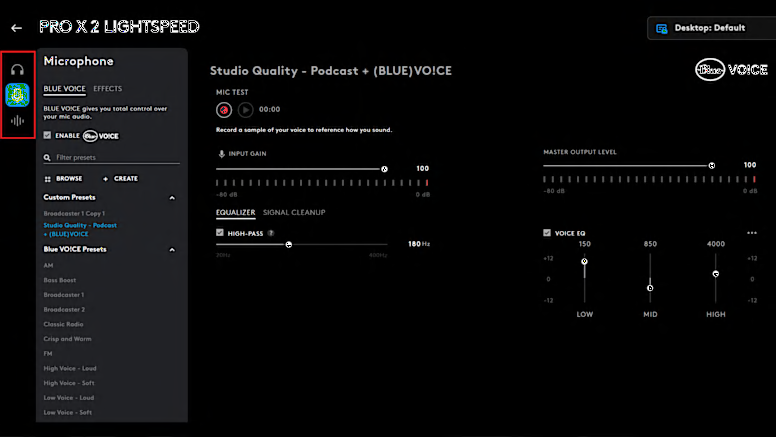
The device configuration page features tabs for settings like Sensitivity, LIGHTSYNC, and Assignments. Use presets for easy setup or download unique effects and settings shared by gamers like you in the Logitech community.

G HUB: PRESETS & DEVICE MANAGEMENT
Take advantage of community setups for advanced features like BLUE VO!CE filters and KEYCONTROL. Use the settings cog on the device page to adjust firmware, power, and other device options. To upload your own presets for games like Valorant and CSGO, log in or create a Logi ID via the profile icon in the G HUB window.
G HUB TIPS AND TRICKS
Check out some more cool ways to dial in your setup
BLUE VO!CE
KEYCONTROL plus BLUE VO!CE is a great combination for quickly changing effects or as a full keyboard audio sampler.
LEARN MORELIGHTSYNC RGB
LIGHTSYNC RGB technology is awesome for personalization and setting your vibe.
LEARN MOREHERO 2 SENSOR
HERO 2 is our flagship gaming grade optical mouse sensor. Check out how to dial in the exact settings for you.
LEARN MOREG HUB GAMES
With Logitech G HUB’s Games feature, manage your library from one app. Launch, organize, and customize everything.
LEARN MORE